
Themes
Here you can manage multiple themes in order to white label NEON.
Go to Settings -> Themes
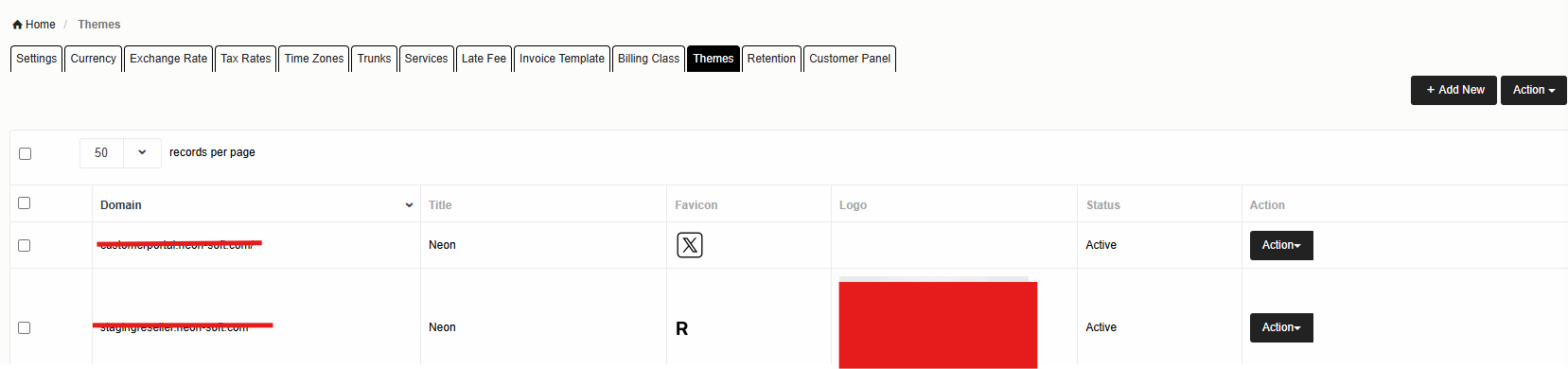
Adding New Theme
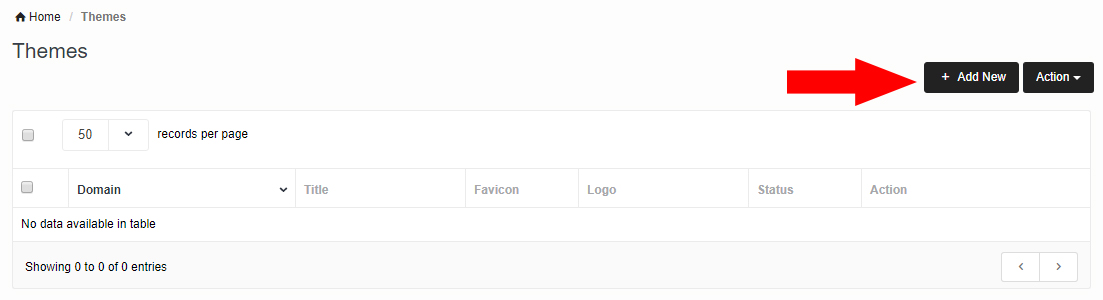
Click on Add New Theme to create new theme.
Below screen will pop up :
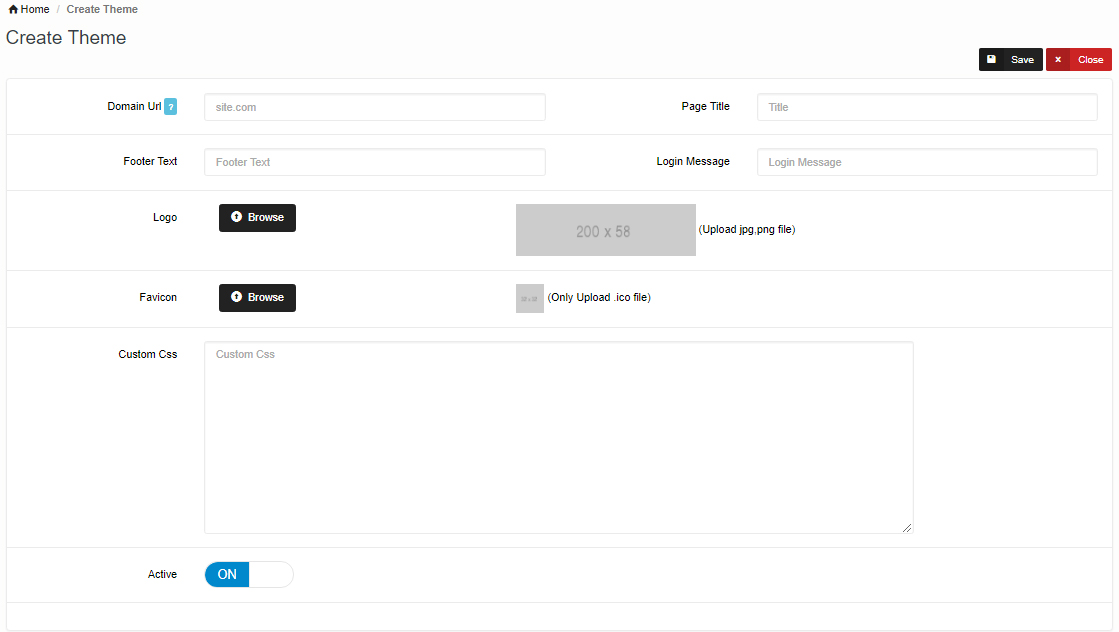
Here you can upload your own logo.
Domain Url should be in the following format e.g: neon-soft.com don't need to type http.
You can use Custom CSS to change styling e.g. below will change background color
.page-container .main-content{
background: #A9A9A9 !important;
}