Tylnex Integration
In order to setup integration with Telnyx follow the below steps:
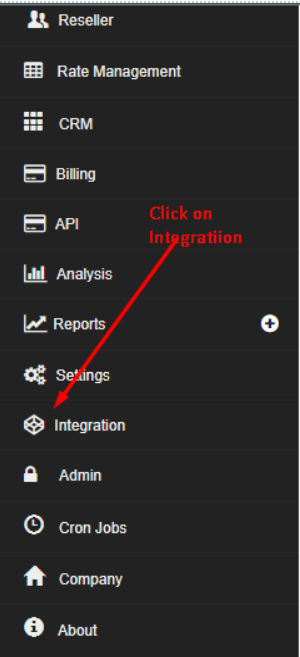
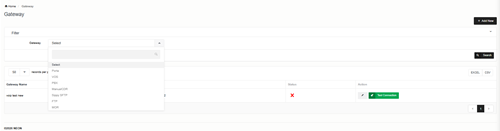
Go to Integration -> Billing Gateway -> Telnyx
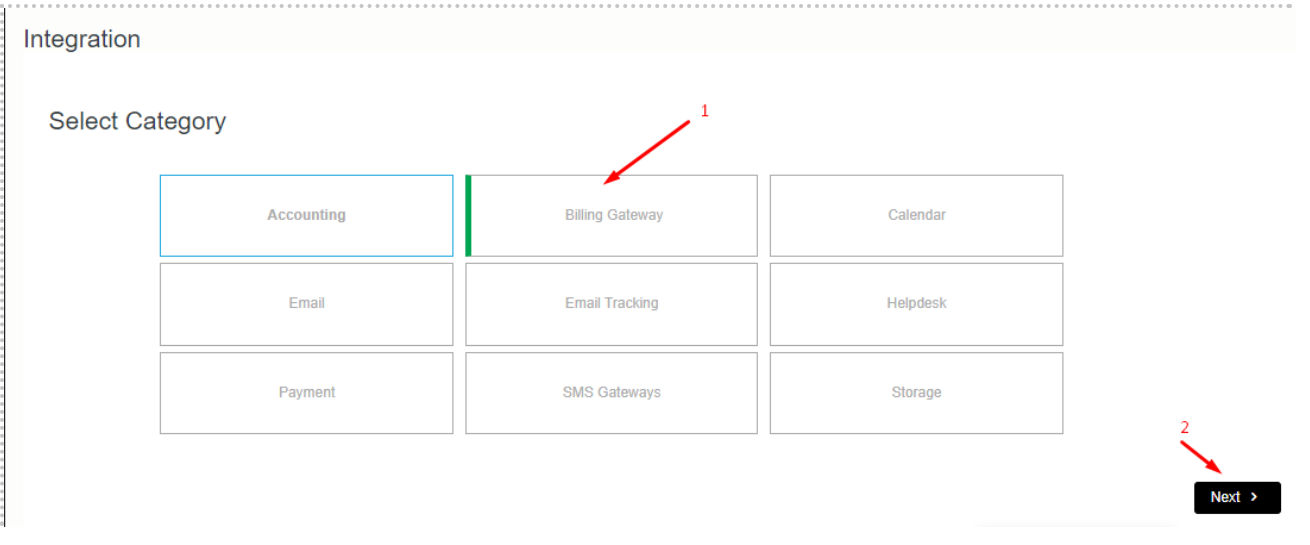
Select Telnyx from the subcategory.
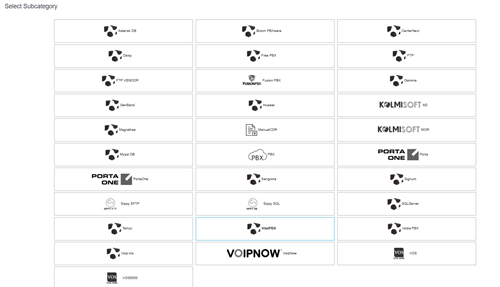
Select your Gateway and Click on Add New
Pop up will show add credentials accordingly.
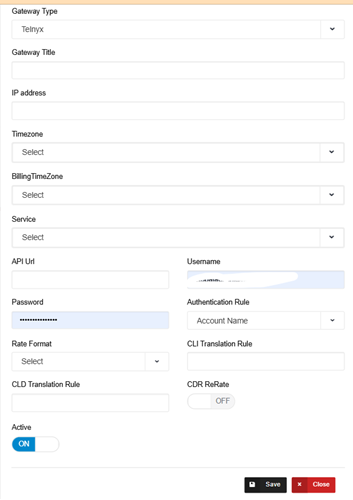
| Field | Description |
| Gateway Title | Unique Gateway Title |
| Gateway Type | Select your gateway type as Telnyx |
| IP Address | IP Address of Gateway |
| Billing TimeZone | Billing TimeZone is the Timezone in which you want to bill your customer. |
| API URL | Add API url here |
| UserName | Add Telnyx user name |
| CDR ReRate | If you want to rate CDRs in Neon set this to ON. |
| Rate Format | CDR rate format. Prefix based OR Charge Code |
| CLI Translation Rule | You can use this to modify CLI. You can type regular expression here e.g. if you want to remove 0330 from the start of CLI type this /^0330// |
| CLD Translation Rule | You can use this to modify CLD. You can type a regular expression here e.g. if you want to remove 0330 from the start of CLD type this /^0330// |
| Authentication Rule: | Add accordingly like IP or Account Name |
At last scroll down to bottom and click on save button.
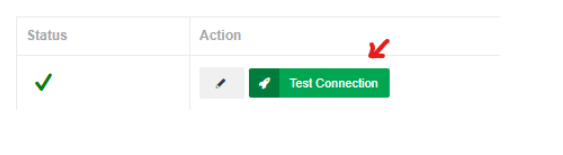
Once also detail filled please click on Test connection button for testing gateway integrated with Neon successfully.