PortaOne Integration
Step 1: (User creation Optional)
Portaone API URL and license key is required,
Step 2:
Allow NEON IP in your server (if required)
Step 3:
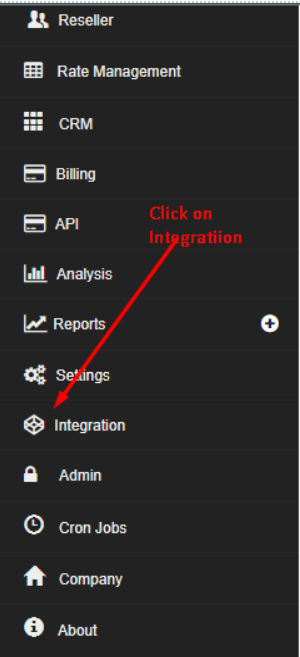
Go to integration in the sidebar and follow the below screenshots.
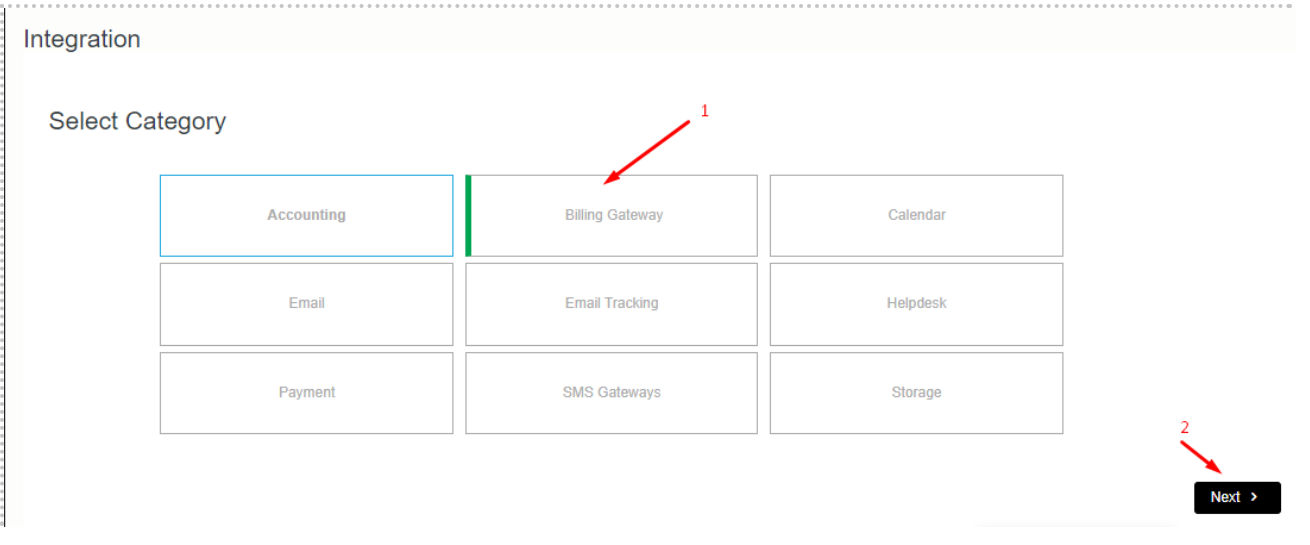
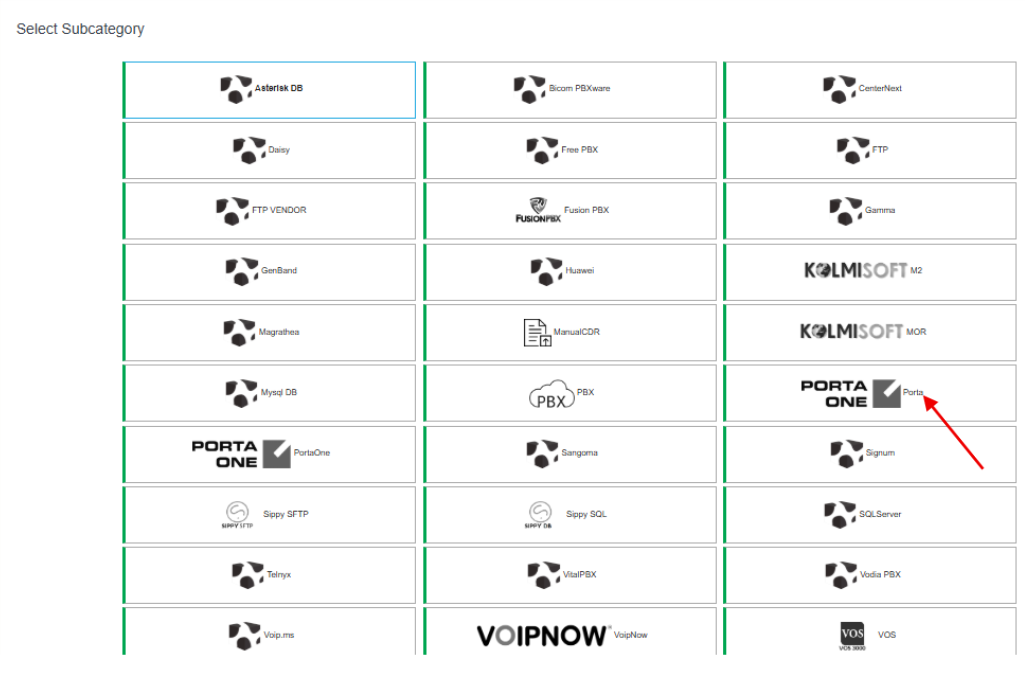
Click on Add New
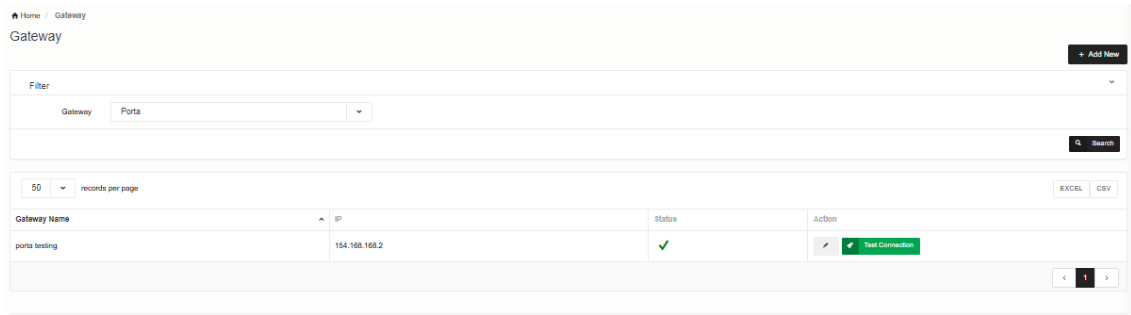
Pop up will show add credentials accordingly.
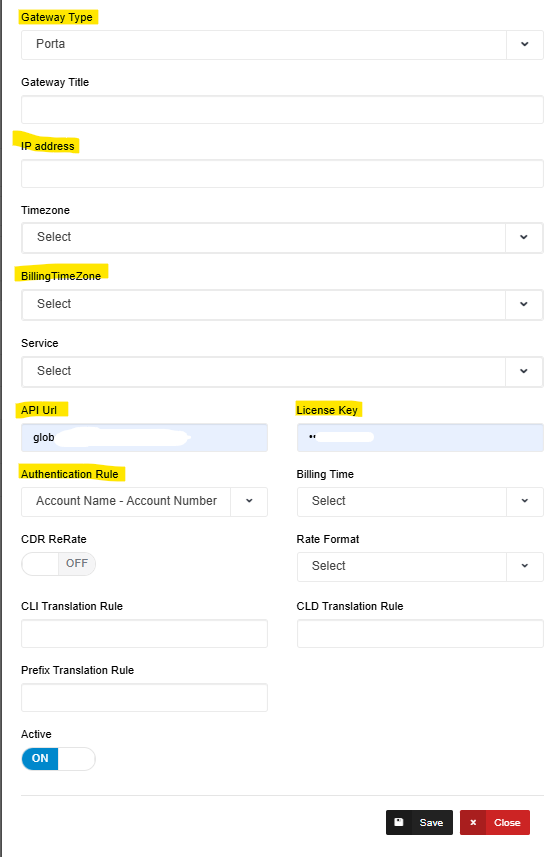
| Field | Description |
| IP Address | Your PORTAONE IP |
| Timezone | Add accordingly like GMT +00 if you want. |
| BillingTimeZone | Add accordingly like GMT +00 if you want. |
| API URL | Your Portanone API URL |
| License Key | API key |
| Authentication Rule: | Add accordingly like IP or Account Name |
At last scroll down to bottom and click on save button.
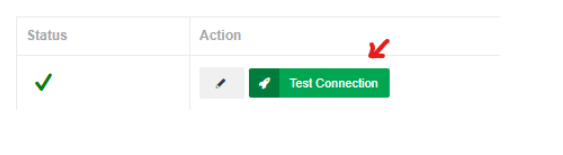
Once also detail filled please click on Test connection button for testing gateway integrated with Neon successfully.