
Billing Gateway Intergartion
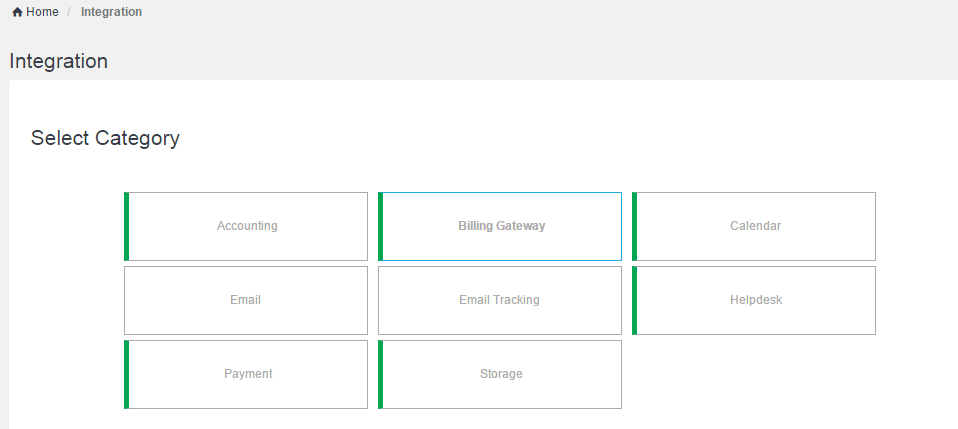
In order to setup integration with billing Gateway go to Integration -> Select Category 'Billing Gateway' and click Next :
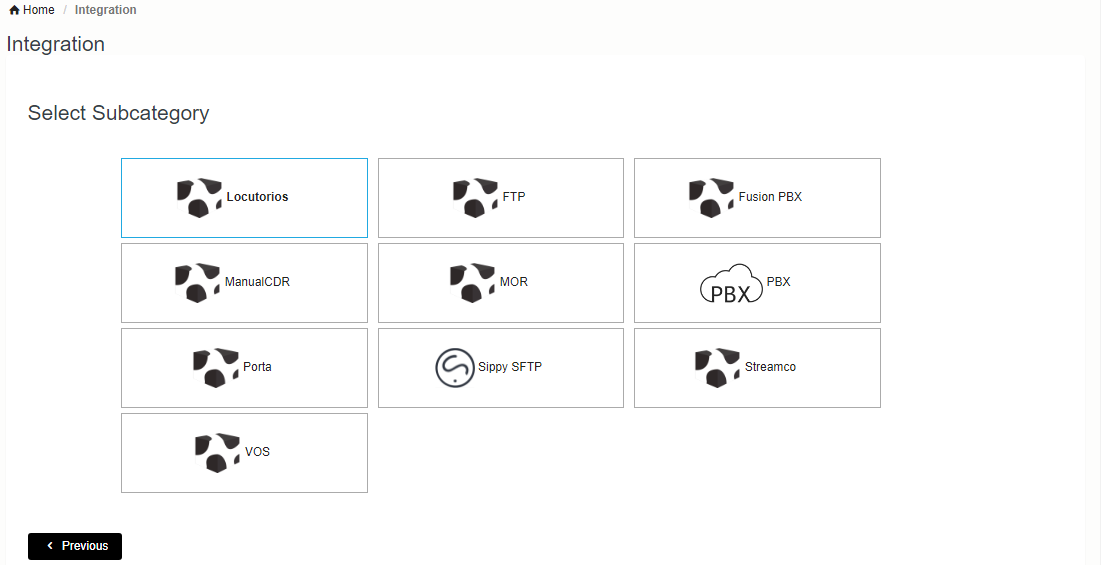
Now select the gateway type you want to integrate with.
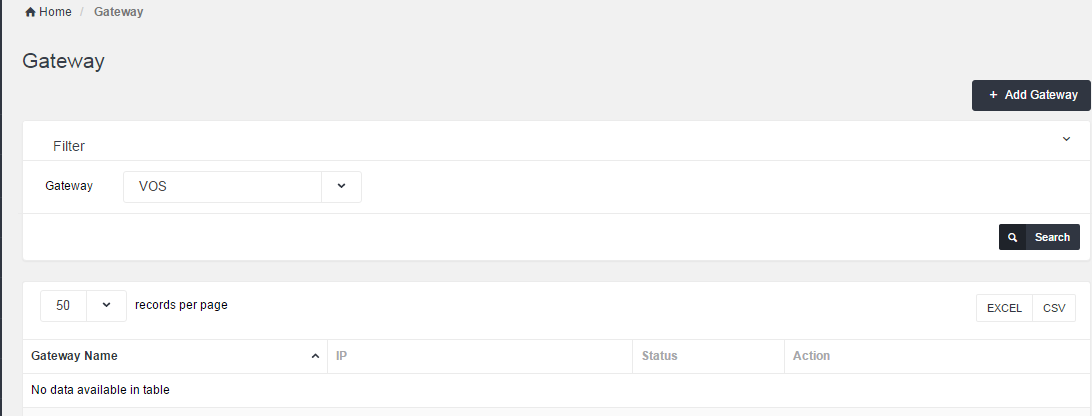
When you click on the type below screen will pop up. Here you can manage your gateway. To add new, click on Add Gateway:
Below screen will pop up :
| Field | Description |
| Gateway Title | Unique Gateway Title |
| IP address | IP address of Gateway |
| Timezone | Timezone of Gateway |
| Billing TimeZone | Billing TimeZone is the Timezone in which you want to bill your customer. |
| Account Name Format | Authentication Rule based on which system will map accounts between Neon and your gateway |
| Billing Time | Billing calculated based on connect time or disconnect time of call (start time or end time) |
| CDR ReRate | If you want to rate CDRs in Neon set this to ON. |
| Rate Format : | CDR rate format. Prefix based OR Charge Code |
| CLI Translation Rule | You can use this to modify CLI. You can type regular expression here e.g. if you want to remove 0330 from the start of CLI type this /^0330// |
| CLD Translation Rule | You can use this to modify CLD. You can type regular expression here e.g. if you want to remove 0330 from the start of CLD type this /^0330// |