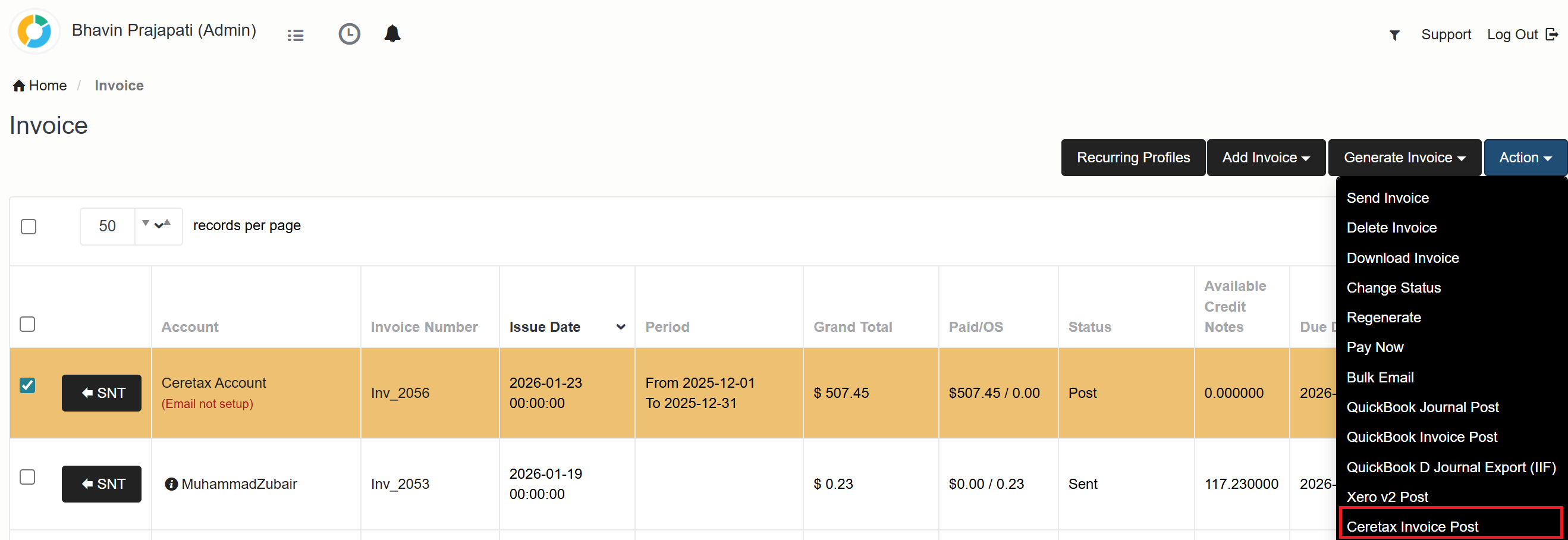
Ceratx Integration
Ceratax Integration
Step 01:
A new configuration has been added in Integration➜ Tax➜ Ceratax
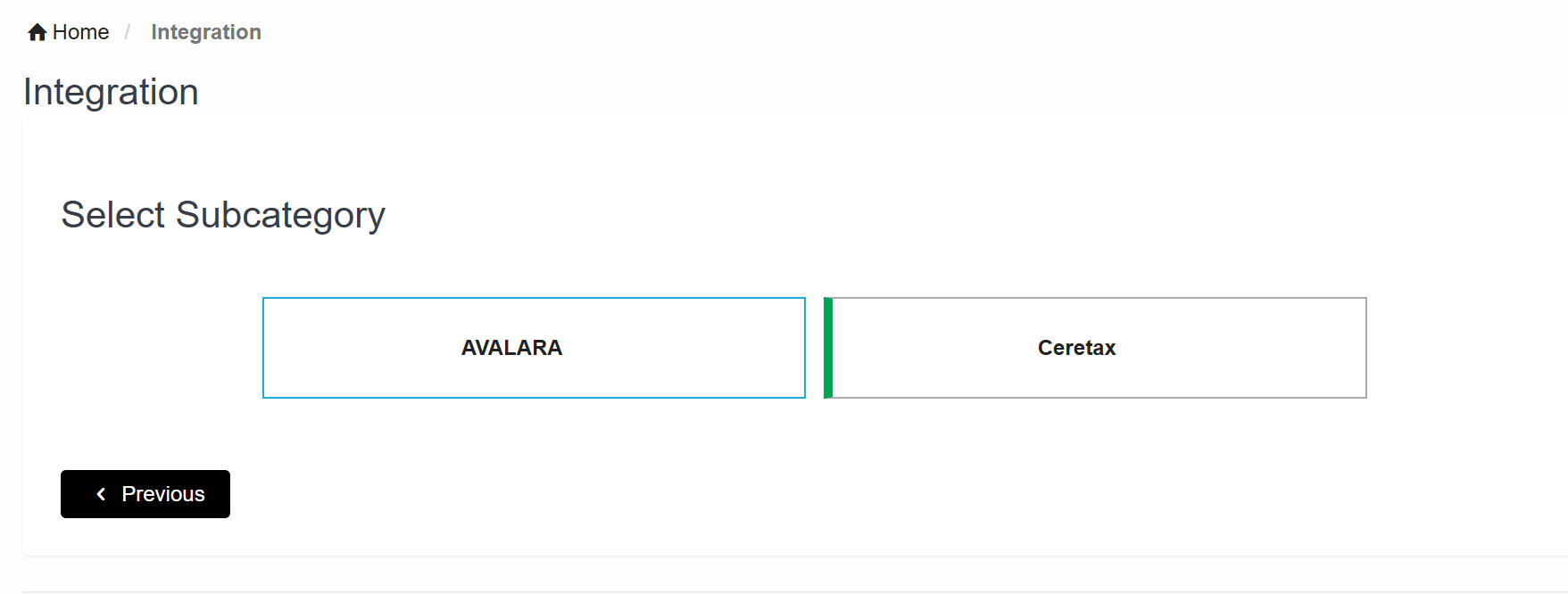
Navigation Flow
Step 01:
Integration ➜ Tax
Click on Next.
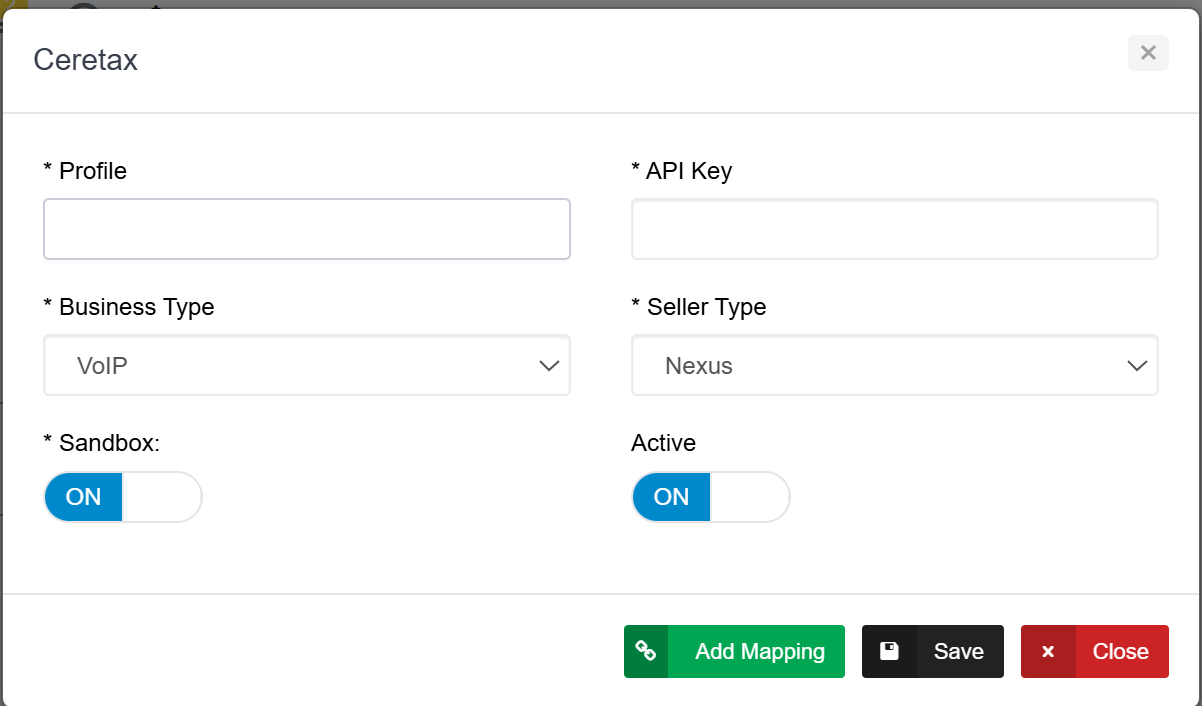
Step 2: Configuration Page
A new pop will open for Ceratax mapping.
Fill the following mapping details:
1: Profile
2: API Key
3: Business Type
4: Seller Type
Click on Save
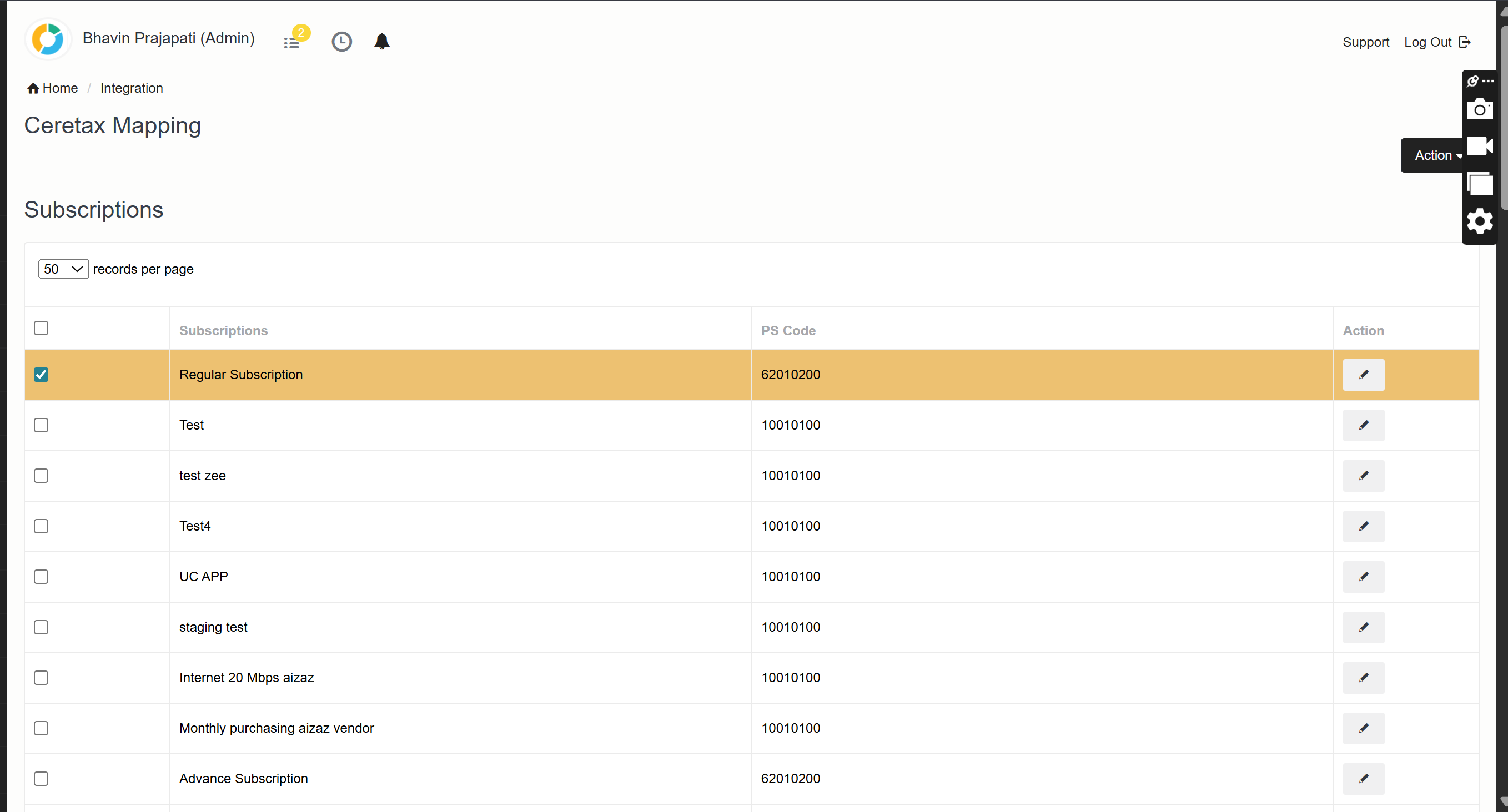
Step 03: Click on Add maping
A PS Code will be required against each subscription
To check if the Account is Residence or Not Residence
Go to Settings ➜ Billing Class
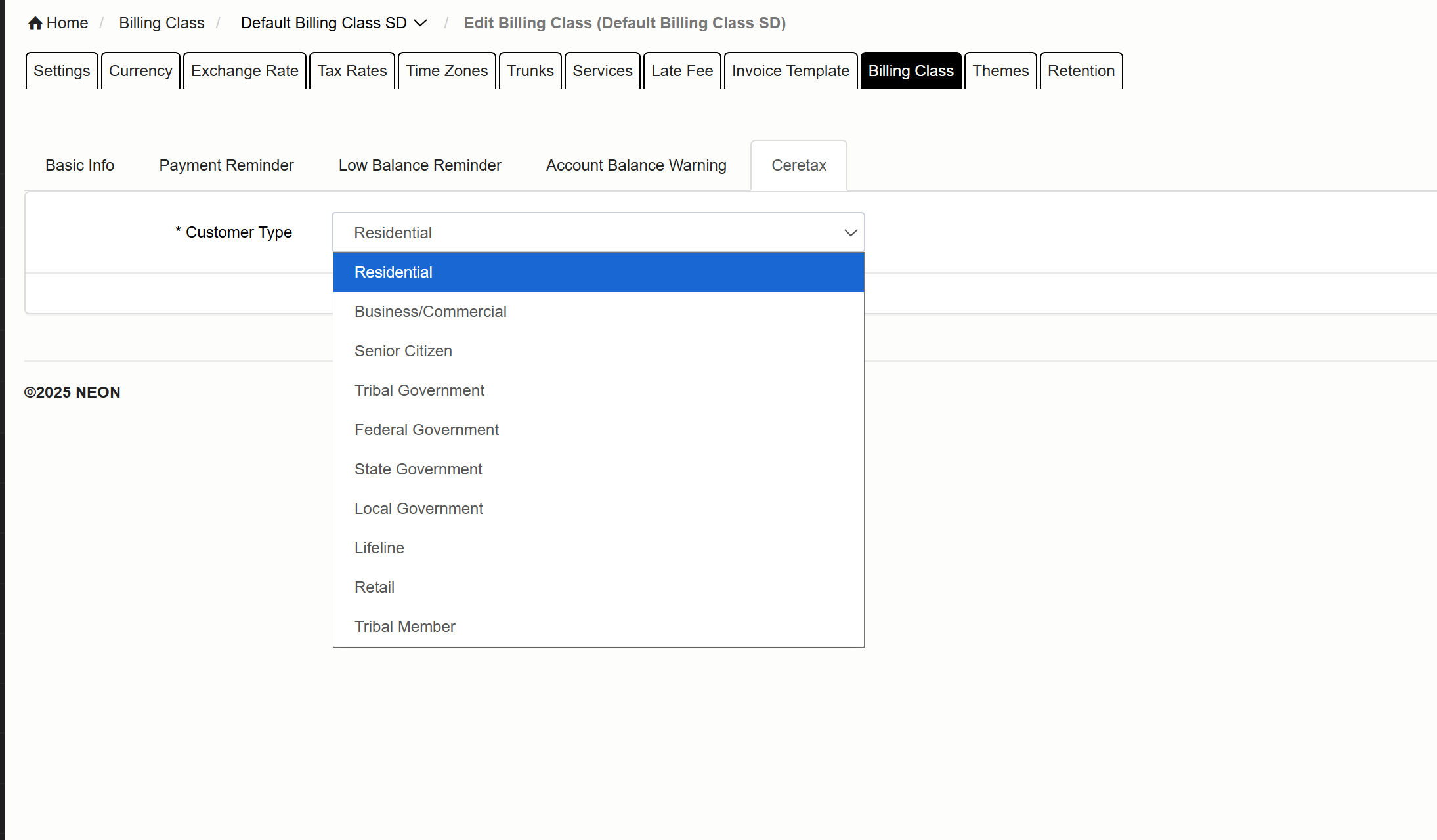
The Invoices after Tax calculation can post using Ceratax invoice post.