
SMTP
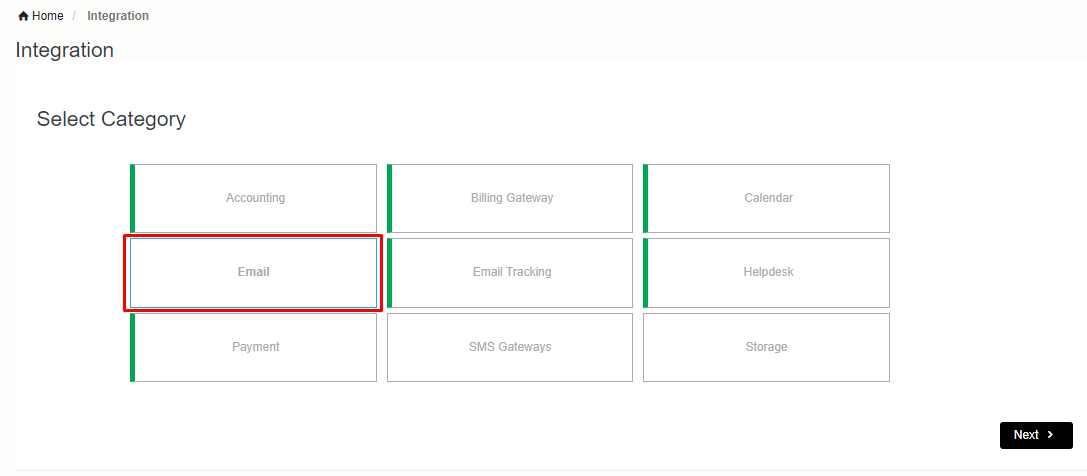
In order to setup SMTP go to integration tab select Email option and click on Next
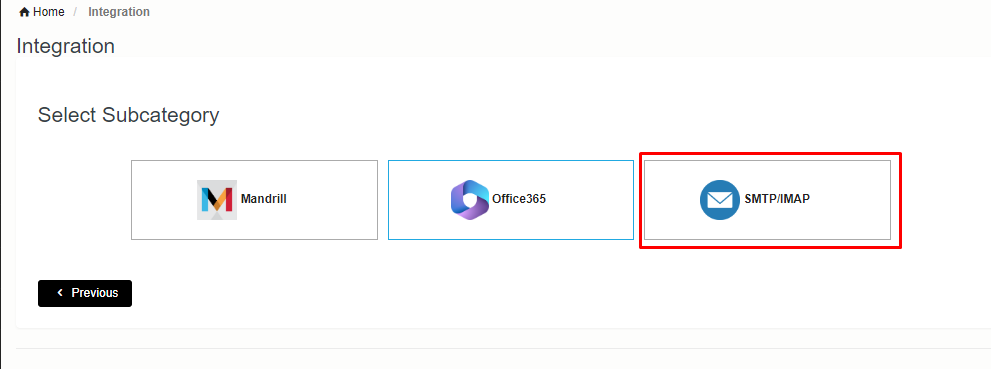
- Select SMTP/IMAP option after click new page will open.
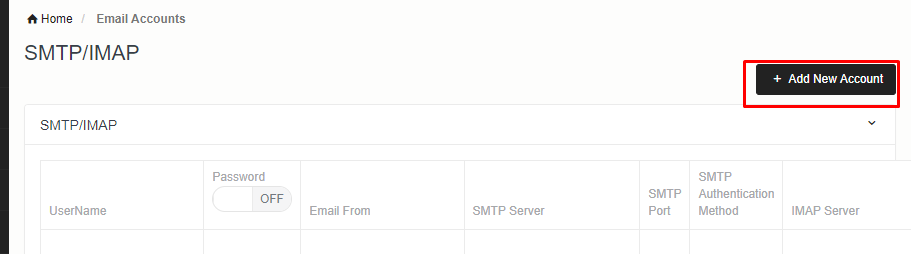
- Click on Add New Account. A popup will open.
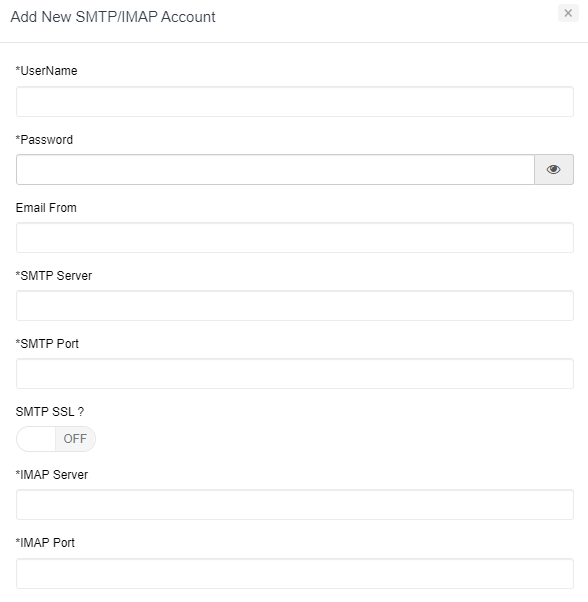
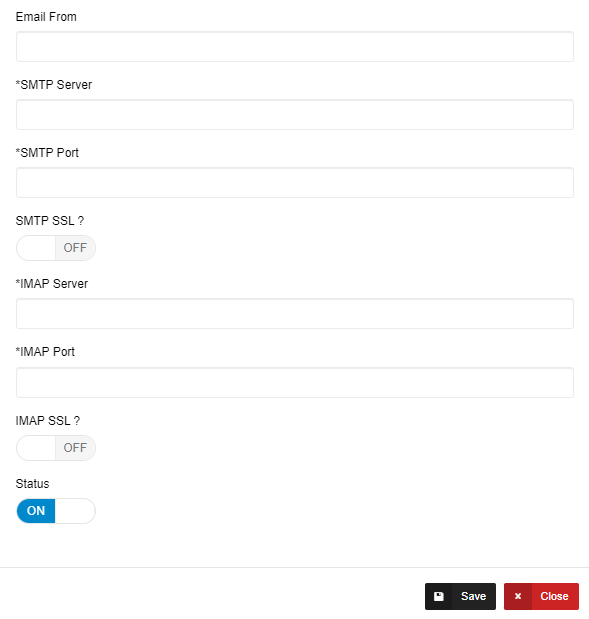
- Details showing like this.
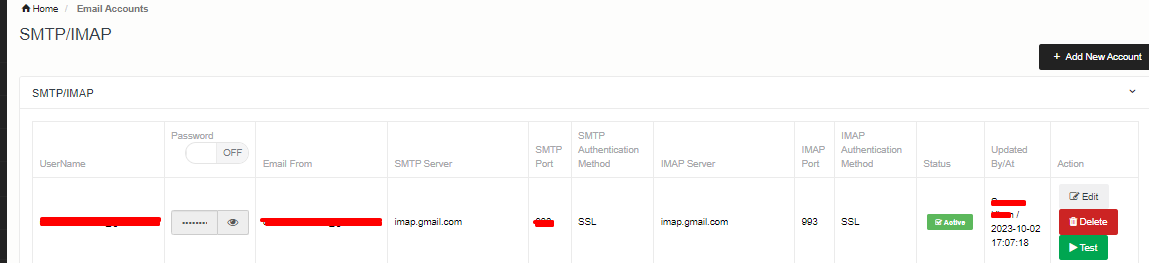
- Test SMTP details using test button.

You can select default SMTP by clicking on Set as default.