Prepaid Credit Control
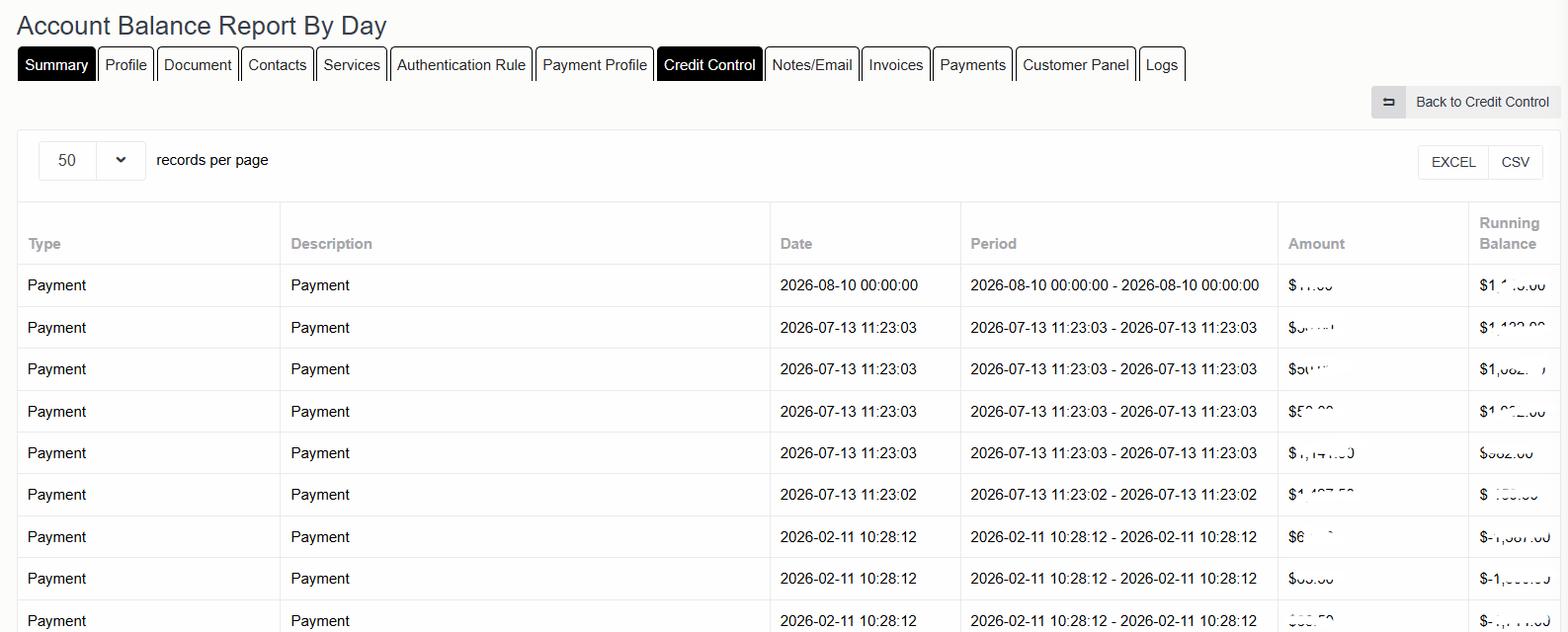
Improved the Credit History screen for prepaid customers to show a complete balance breakdown and running balance
Overview & Key Features
-
Running Balance Calculation: Track real-time, sequential account balance changes across each transaction.
-
Transaction Breakdown: View detailed entries including payments, usages, and adjustments.
-
Filtering & Sorting: Easily filter financial records by transaction Type (e.g., Payment, Usage) and Date range.
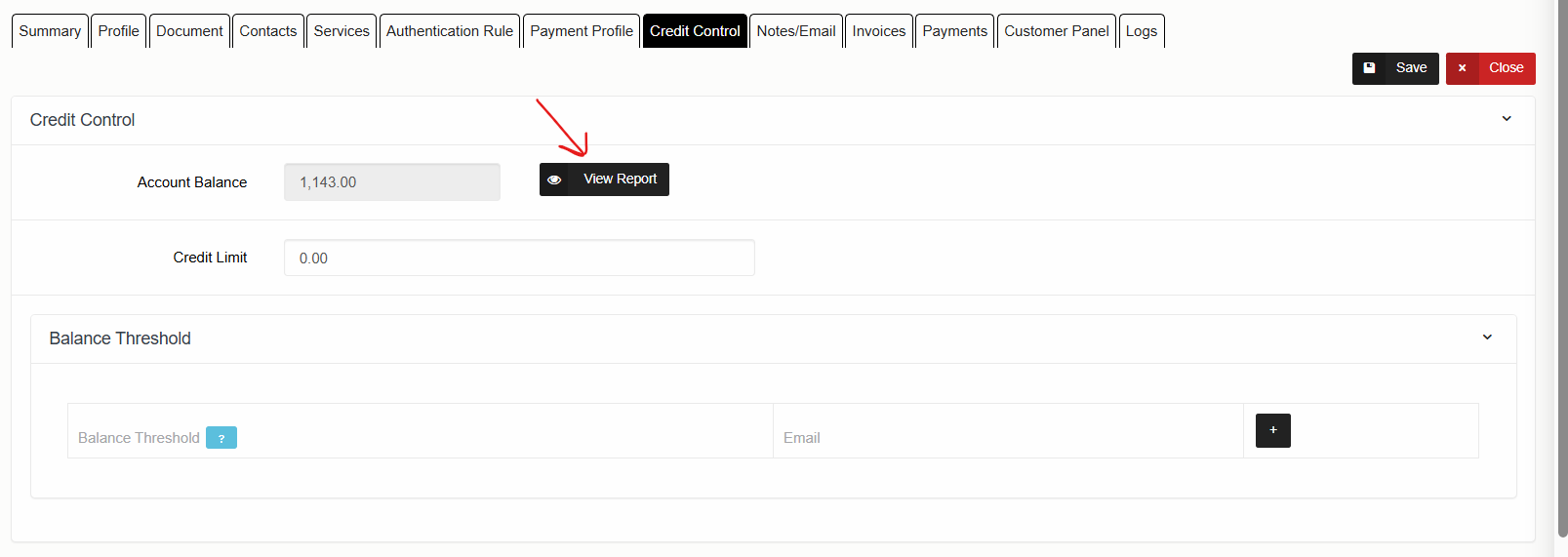
In the main navigation menu of NEON, go to Accounts and choose the target Prepaid Customer account from your list. Click the Edit button.
Click on View Report.
Open the right-hand Filter sidebar to specify your desired date range.
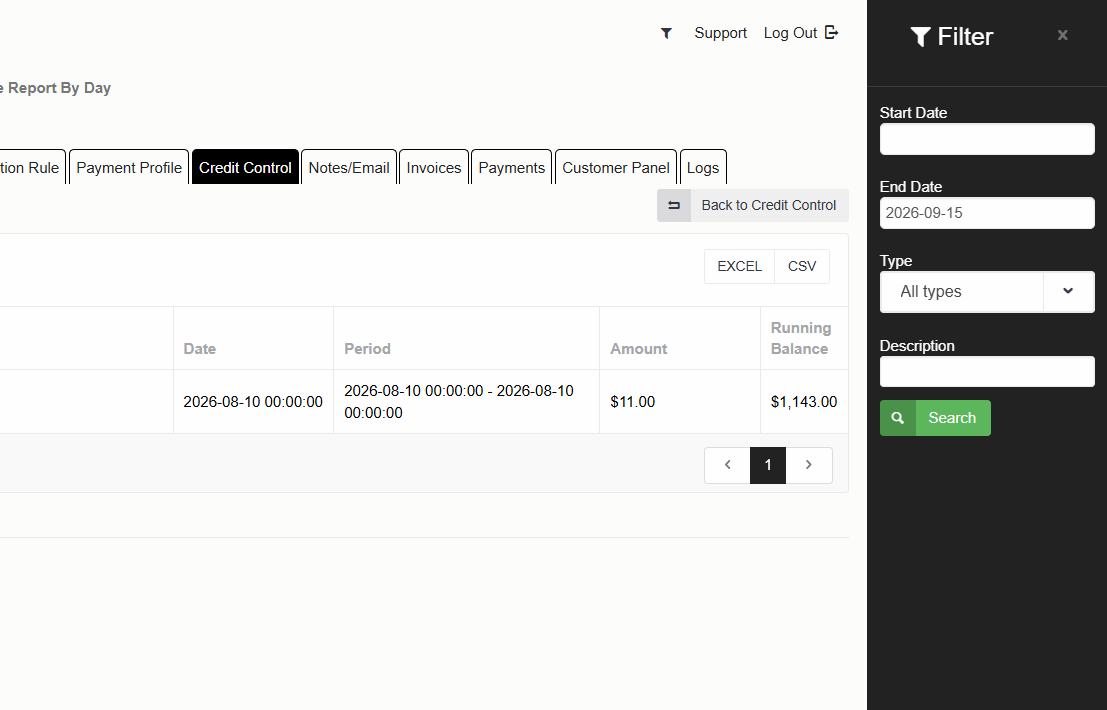
Examine the report columns:
-
Type & Description: Identifies the transaction category (e.g., Payment, Usage).
-
Period: Shows the specific date and timestamp of the transaction.
-
Amount: Displays the transaction debit or credit value.
-
Running Balance: Monitors the cumulative account balance after each entry in chronological order.